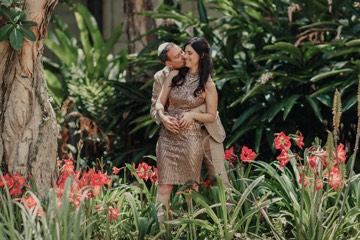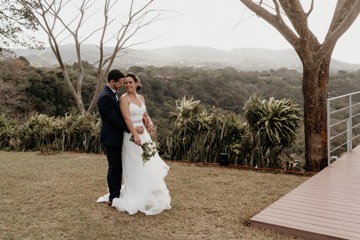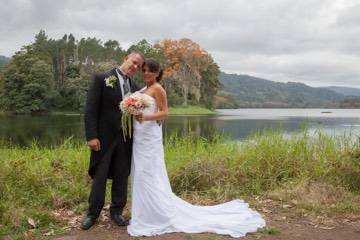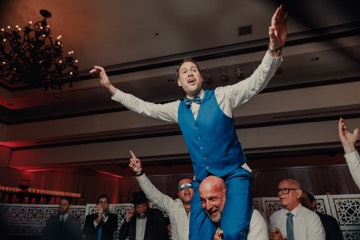



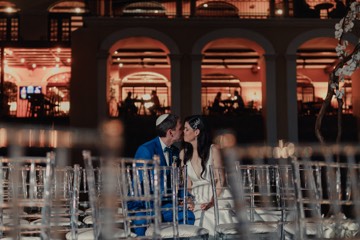
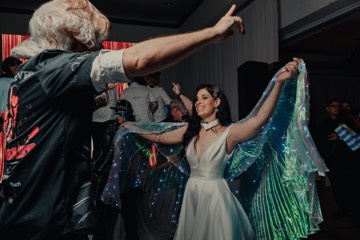
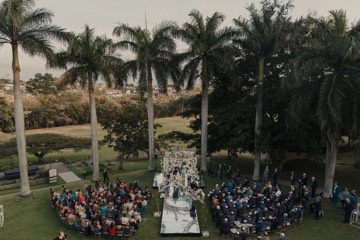
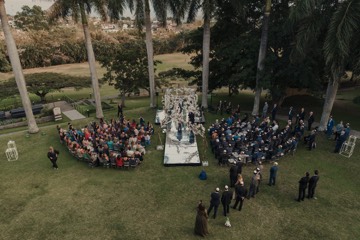
Full speeches with the mic audio, and every camera ordered by the time it recorded.
Weddings, quinceañeras, conferences: the long, repetitive part comes done. You pick the moments.
Editmatic reviews all your footage on your Mac, sets aside what doesn’t work, syncs cameras and mics, and hands you an organized timeline in Premiere Pro or DaVinci Resolve.
If it doesn’t save you hours on your first project, you pay nothing.
14 days free with one of your own projects. No card. For Mac with Apple silicon (M1 or later).
34 clips from four cameras and two audio recorders. Names that say nothing, no order.
One by one: whether the camera moves, whether it’s sharp and well lit, whether something happens and how long the usable part lasts.
Every camera had its own clock. It lines them up by listening to the audio and puts each clip at the moment it was shot.
The mic waveform slides until it matches the camera’s. Frame-accurate, without you touching anything.
Shaky, out of focus and bad light go to Rejected, each with its reason. Nothing gets deleted.
Move the strictness and the cut rebuilds instantly. What you add or remove by hand stays pinned.
You open it in your editing software and start straight with the creative part.
No matches.

Full speech, with the mic audio.
What you add or remove by hand stays pinned even if you move the controls.
Found during analysis. The ones you confirm go into the cut in full, with their mic.
They show up as the analysis moves along.
Mic syncedYour cut, ready to edit
Editmatic lines up the cameras with each other by listening to the event’s audio.
They arrive organized: videos by camera, mic audio and rejects apart.
Try the simulation:
That’s how your cut looks in the app: ready to edit.
Weddings, podcasts, documentaries or social: it doesn’t matter what you shoot.
The more footage you bring, the more hours it gives back.
Full speeches with the mic audio, and every camera ordered by the time it recorded.
Weddings, quinceañeras, conferences: the long, repetitive part comes done. You pick the moments.
Every camera and every mic arrive frame-accurate, in a sequence ready to cut.
You decide who to show. The sync is done.
Hours of interviews and B-roll: every answer stays whole, with its mic, and every clip can be found by name or camera.
Your energy goes to the story, not to hunting for the shot.
Lots of short phone clips: it keeps what’s usable in each one and fixes the phone’s variable frame rate on its own.
What you shot today, ready to edit today.
Shoot days, several cameras and hundreds of takes: every clip ends up ordered by the day and time it was shot.
Hours of footage, ready to edit. You make the film.
Your footage is yours.
Editmatic analyzes it where it already is, without uploading it anywhere.
All the heavy lifting happens on your computer.
None of your footage travels to any server.
The last wedding I edited by hand had about 600 clips. Before cutting anything I had to watch them all, one by one. Find the usable part of each one. Order them by time across the cameras. And once I was editing, go back to both cameras to find every moment.
That part made me put off editing.
Then I edited a wedding with Editmatic: 929 clips, 4 cameras, 4 mics. I opened the project and the cut was ready to edit. I was happy. I got straight to work on the creative part.
Eithaneditor and creator of Editmatic
Your footage
Selects
One plan, with everything Editmatic does.
Try it for 14 days with your own footage, no card.
US$ 29.99per month
No limits on hours, projects or credits.
If it doesn’t save you hours, you pay nothing. And if you subscribe later and it isn’t for you, the refund in our Terms applies.
On your phone, or on Windows?
Done. Check your email.
Invite colleagues: you get 1 free month when your colleague pays their first month, and your colleague gets another when they pay their second.
Up to 12 free months for inviting.
No. What you see above is a simulation with sample data, so you can see how it works.
Editmatic is an app you install on your Mac, and it works with your own footage. Download it and try it free.
No. Editmatic analyzes everything on your Mac.
Your footage never leaves your computer.
A Mac with Apple silicon (M1 or later) and Premiere Pro 25.6 or later, or DaVinci Resolve 21 or later (the free version works).
Windows is coming soon.
No. It does the technical, tedious part: reviewing, discarding, syncing and assembling.
The creative part, the story, is still yours.
No. Podcasts, documentaries, travel, social and brand content.
The more footage, the more time you save.
Any camera, from phone to cinema, plus drones and action cams.
Your files arrive just as you shot them.
Your projects and cuts stay as they were.
To analyze new footage, you subscribe again.
No. You download Editmatic, confirm your email and get 14 days with everything included.
If you don’t want to continue when it ends, you do nothing: there’s nothing to cancel.
US$ 29.99 a month. In Argentina, through Mercado Pago in pesos.
Everywhere else, card payment opens in the coming weeks: if your trial ends before that, we extend it at no cost and email you.
Download it today.
Try it free for 14 days with one of your own projects, no card, and go straight to creating.
This is how it lands in Premiere Pro or DaVinci Resolve: organized and in sync.
All that’s left is what you love: creating.